we #model
One photo, one model.
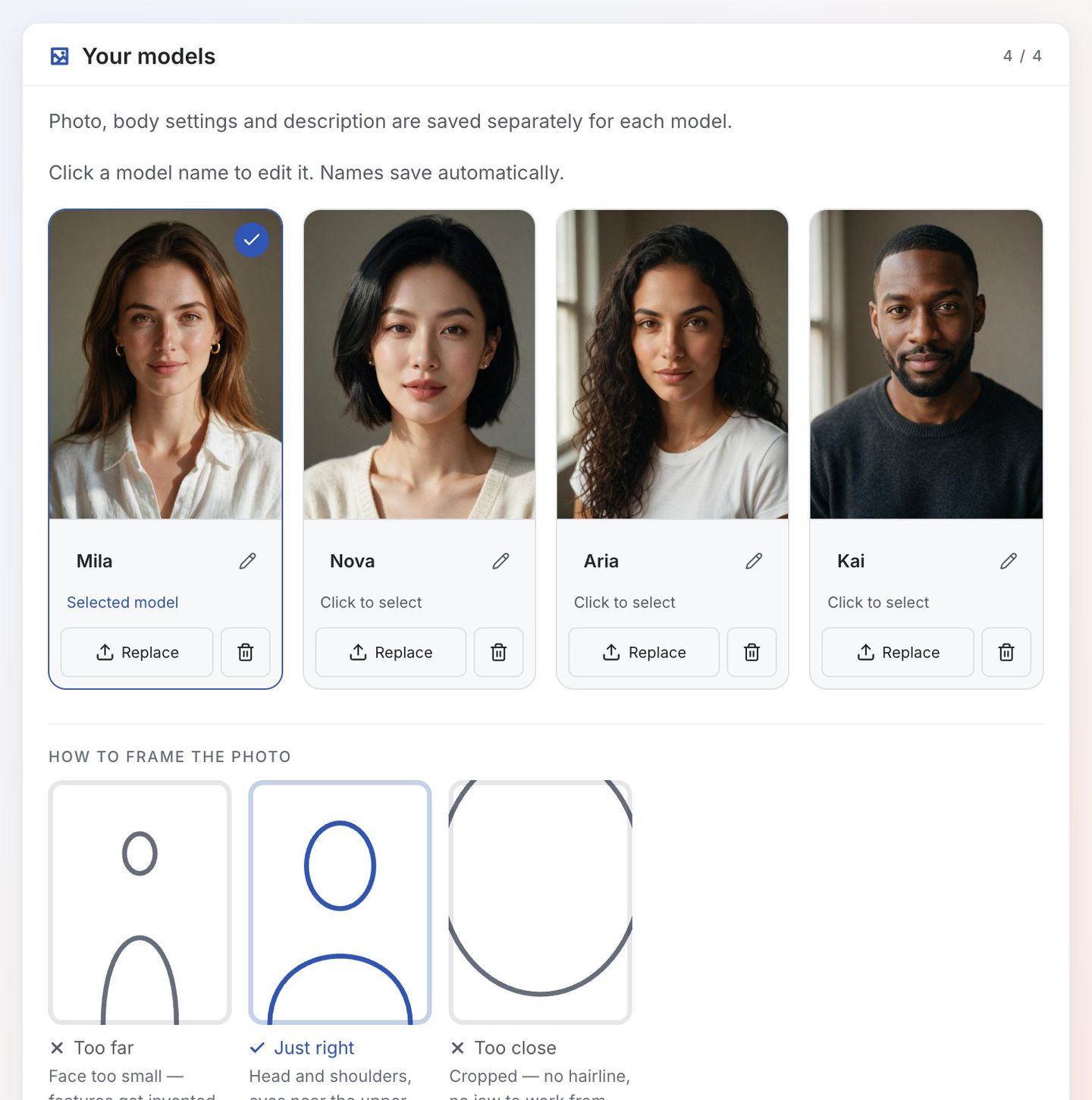
Upload a single reference photo. That face is locked in and travels into every generation — any scene, any outfit, any light. A short description rides along as text, so the small things stay the same too.
 SLOGAN
For creators, brands and agencies
One workspace for creators, brands and agencies. Define your model once — one reference photo plus a short description — and generate images and clips of that model in any scene you describe.
Type the shot the way you would brief a photographer. Film setup, signature look, realism, scene and camera sit as chips above the prompt; a run delivers one to ten images in Story, Portrait or Square, usually within a minute.
Your model. Any scene.
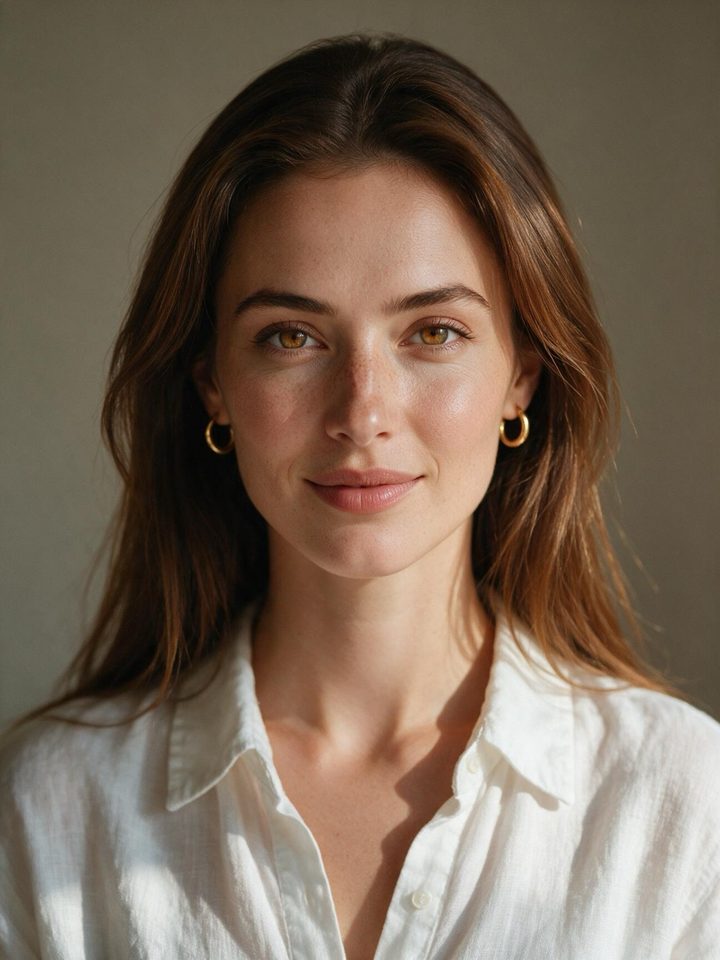
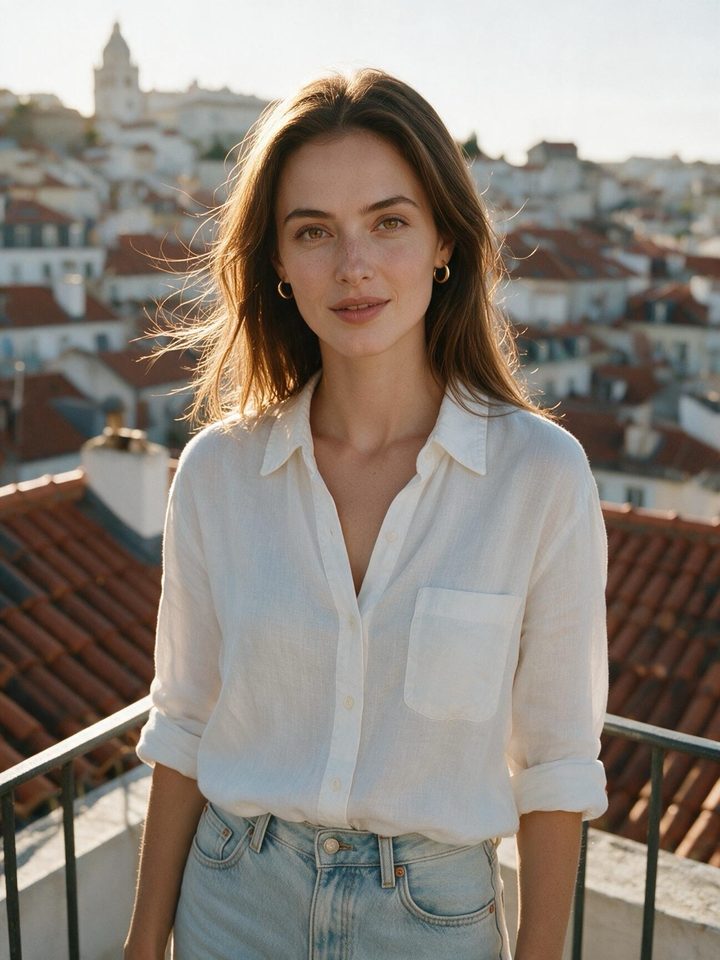
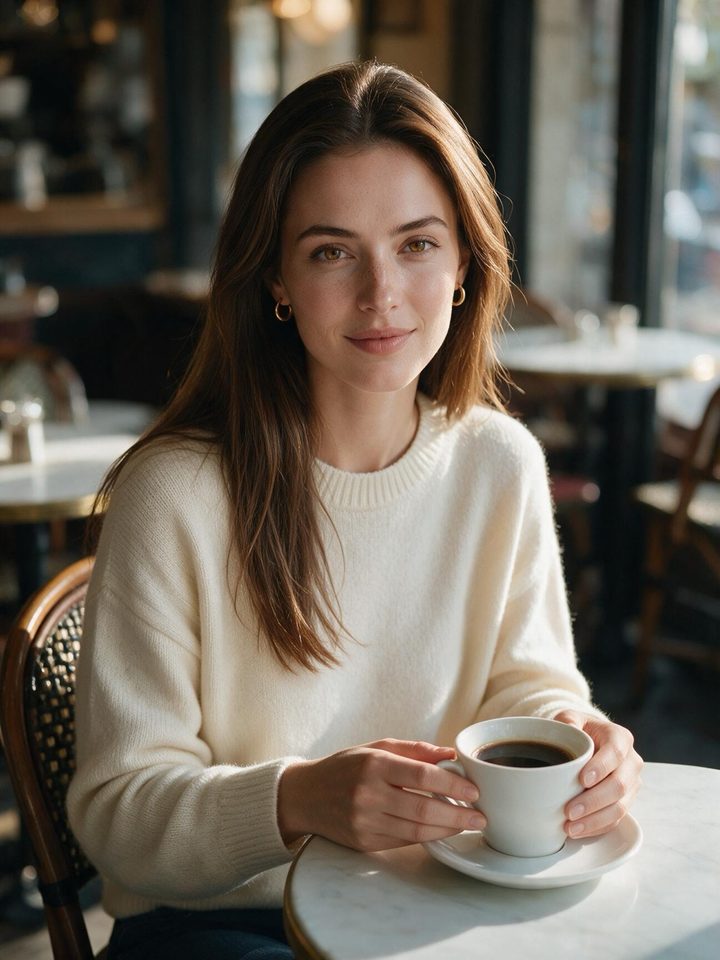
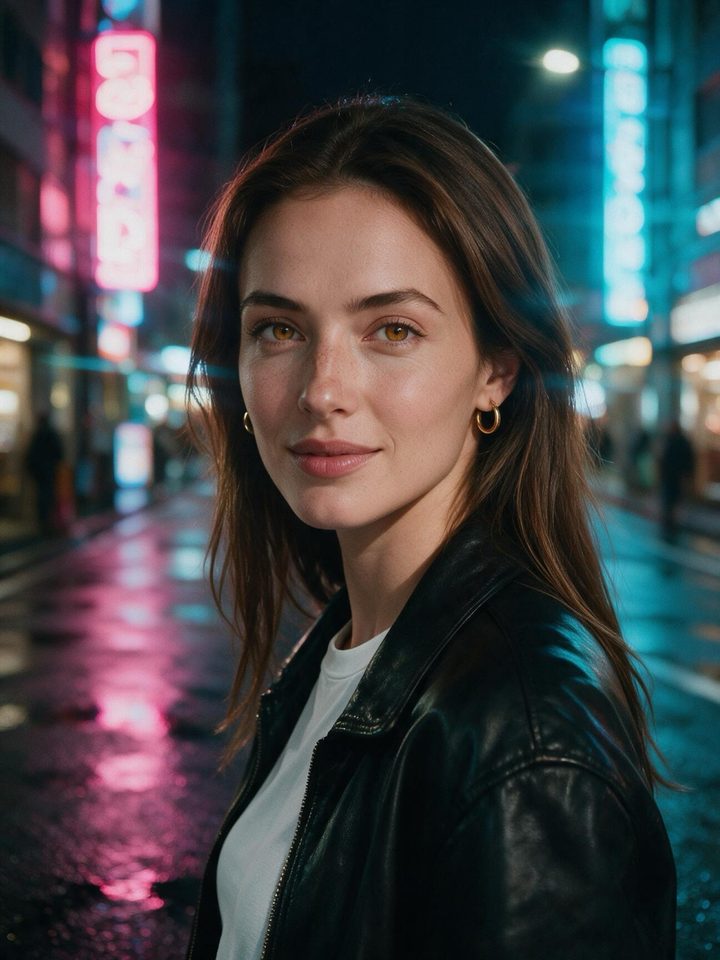
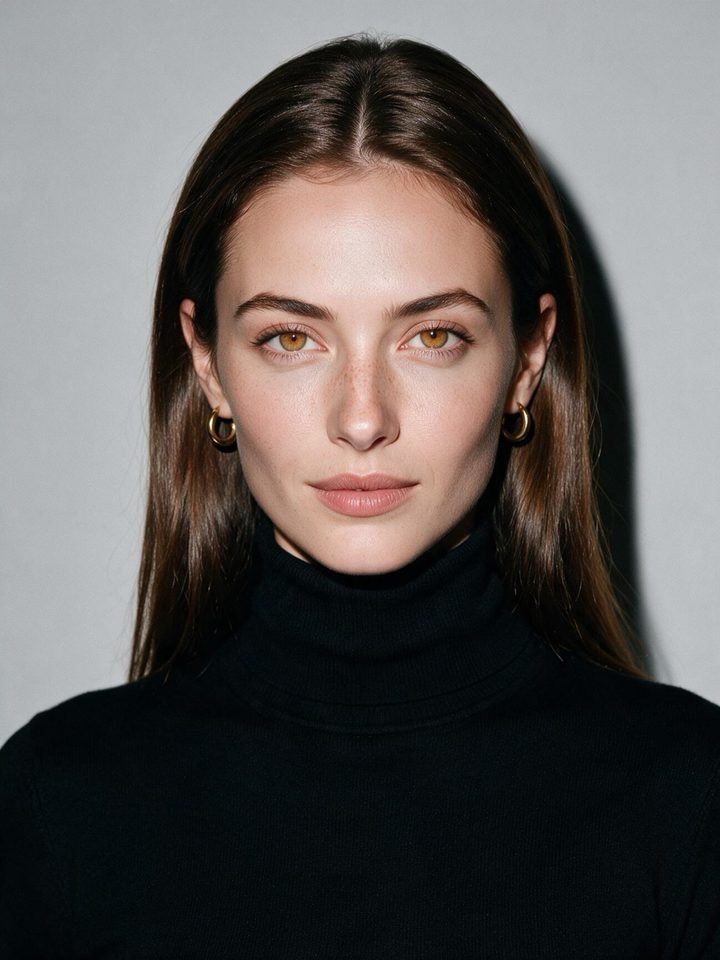
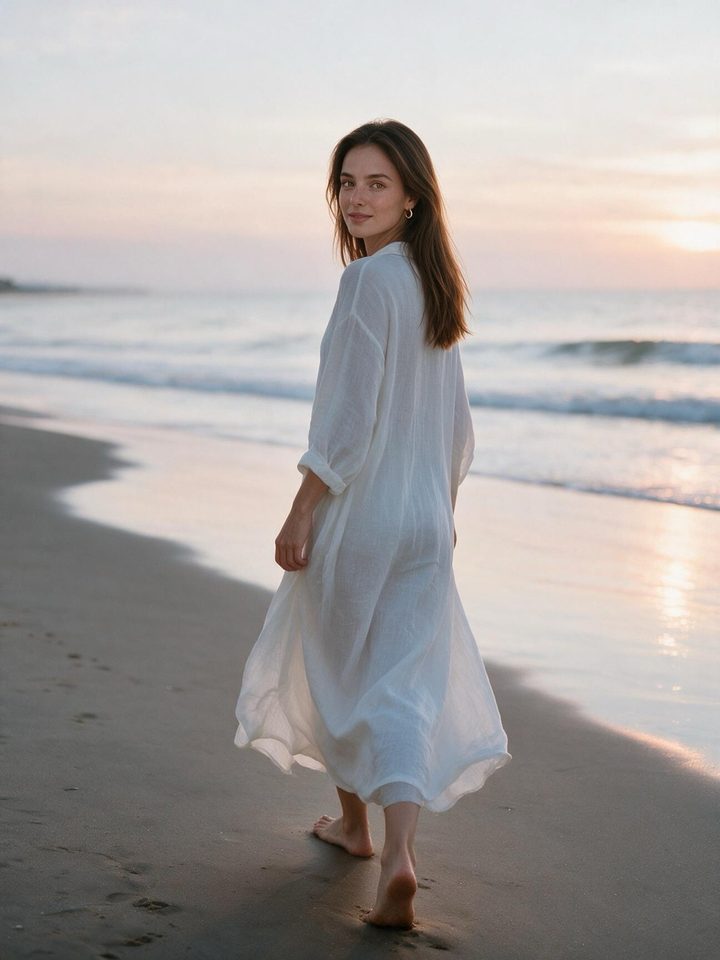
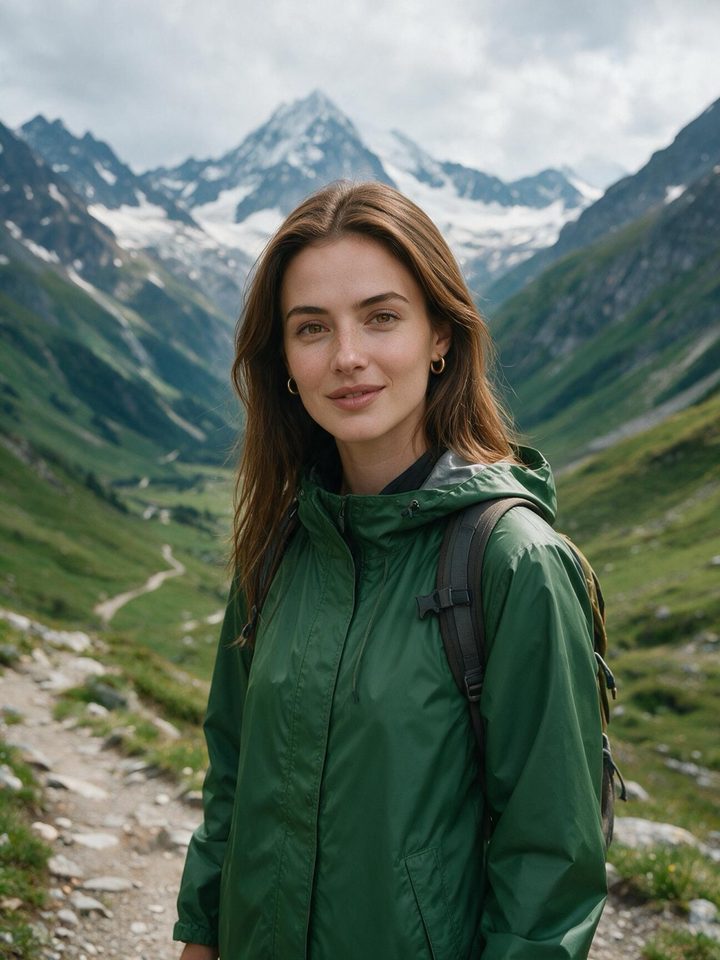
One photo, one model.
Upload a single reference photo. That face is locked in and travels into every generation — any scene, any outfit, any light. A short description rides along as text, so the small things stay the same too.
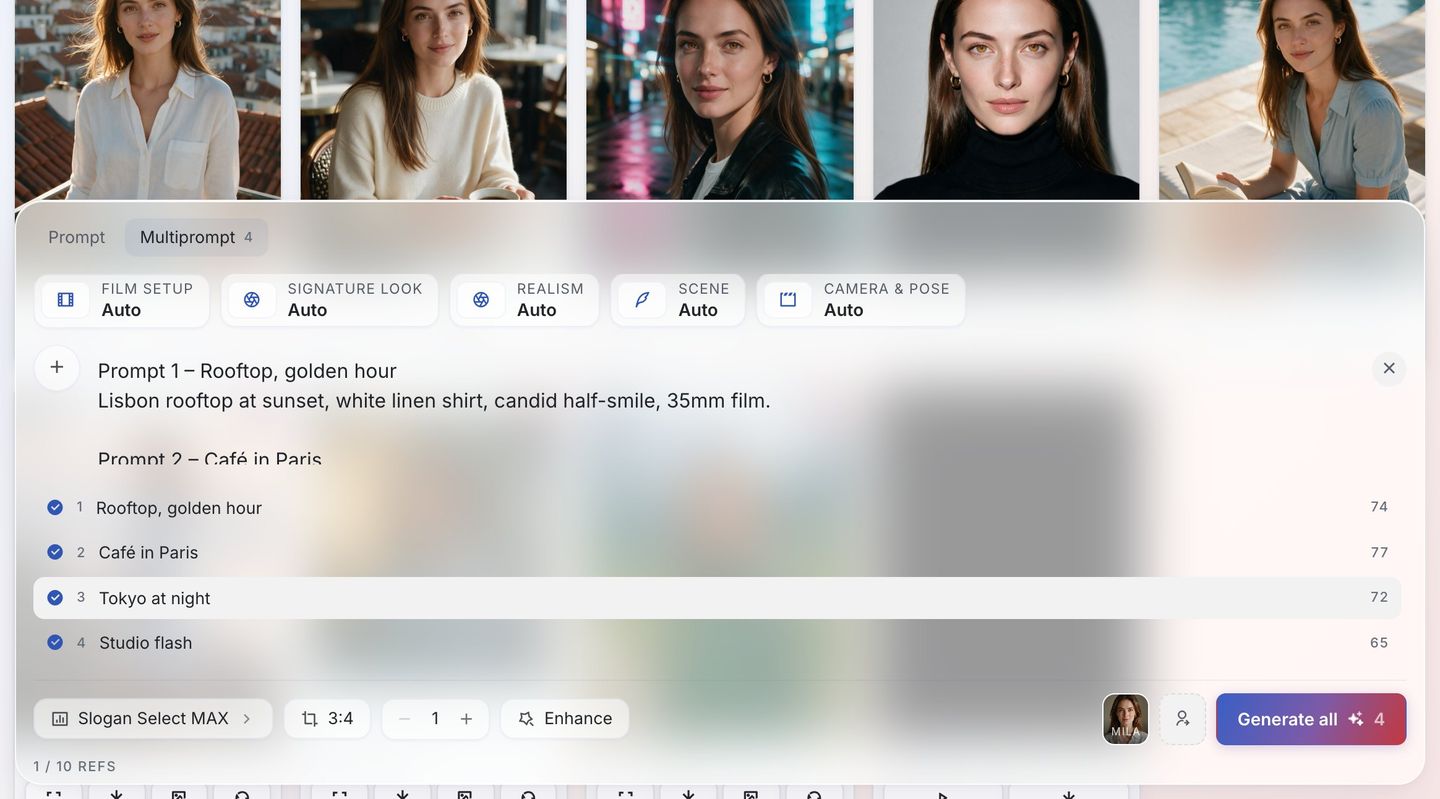
Paste a whole prompt set.
Sets are written by hand — Prompt 1, Prompt 2, Prompt 3. Paste the lot and Multiprompt runs one image per entry, labels every result with its number and shows which prompt came up empty, instead of leaving you counting.
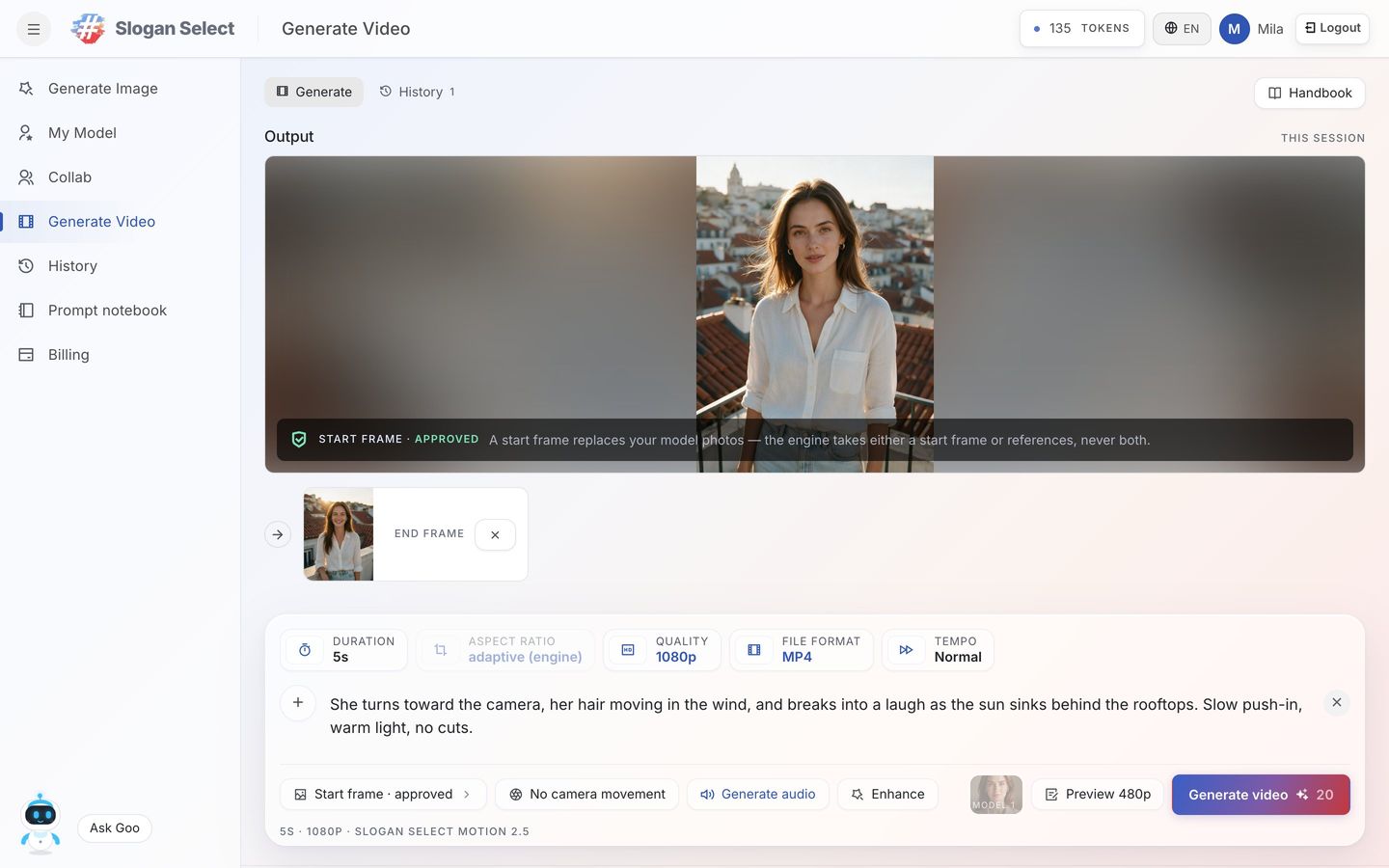
Turn stills into clips.
Drop in a start frame — and, if you like, the frame it should end on — describe the motion, and MOTION 2.5 renders up to 30 seconds in up to 1080p, with sound switched on. Set the tempo, see the price before you generate, and find every clip in your history.
History and ZIP export
Everything you generate stays in your archive until you delete it. Select what you need and download it as one ZIP.
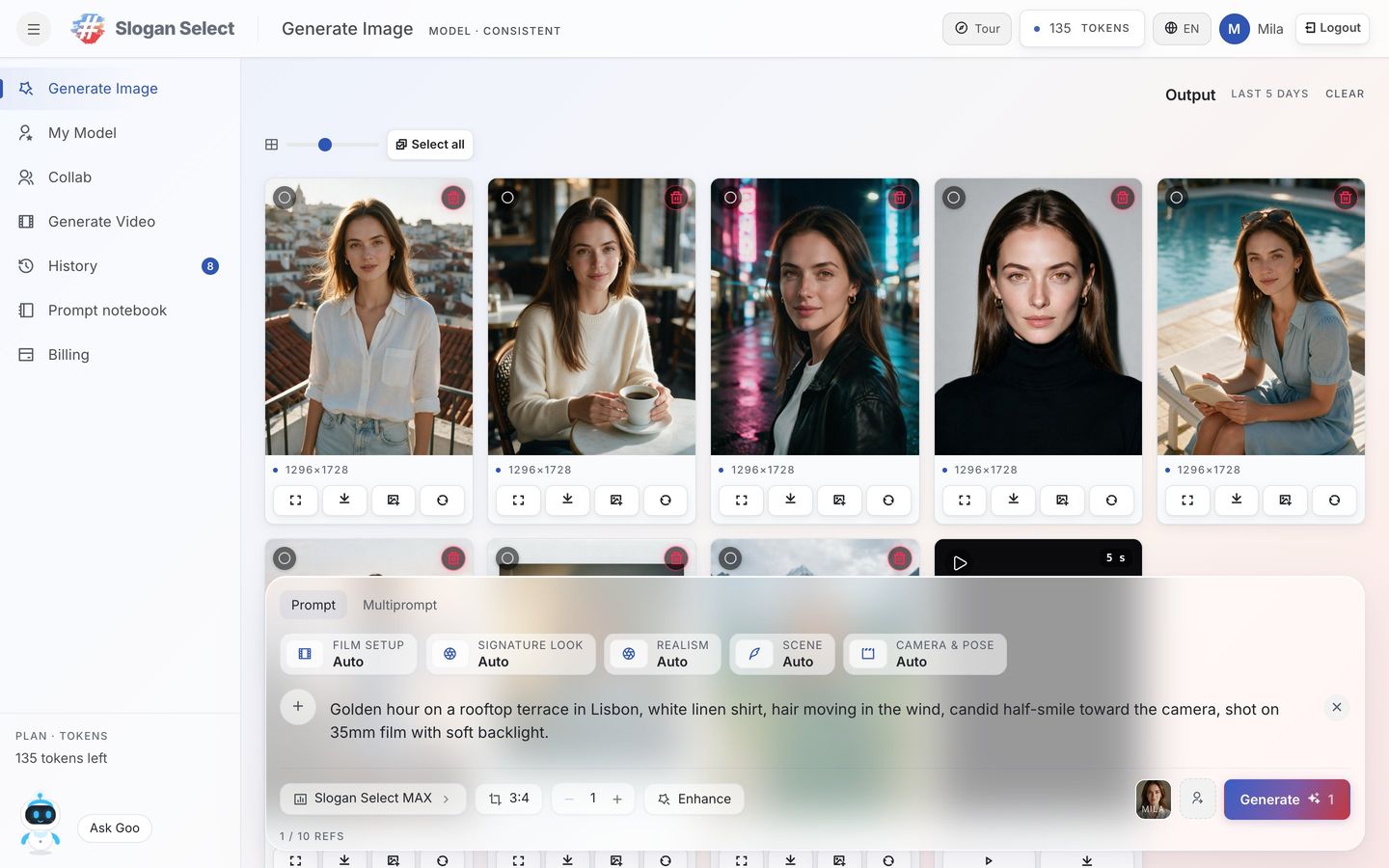
The small things a creator tool should get right, handled for you.
One workspace for creators, brands and agencies. Define your model once — one reference photo plus a short description — and generate images and clips of that model in any scene you describe.
Up to 30 seconds on MOTION 2.5, in 480p, 720p or 1080p, with sound. You can set a start frame and an end frame, choose the tempo, and the price is shown before you generate.
Content moderation runs before anything is saved. A blocked or failed image is refunded immediately and shows up as a gap in your results, so you always see what arrived and what did not.
Yes. There is no public gallery, your history is visible only to you, and you can delete images at any time.
Story 9:16, Portrait 3:4 and Square 1:1, plus landscape variants, with up to 2560 pixels on the long edge.
English, Spanish, German, French and Chinese. Pick a language at the top of this page or in the app — your account remembers it.